Appearance
Quickstart
Let's find out how to invite Draw to your server and how to use it smoothly 🤔💭
Invitation ✉️✨
You can invite Draw via the [+ Add App] button in her profile or simply click here!
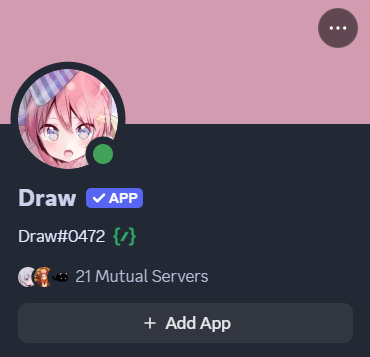
Draw's profile looks like this! 👀
Where can I find the commands and their descriptions? 🤔💭
The available Draw commands can be found in the Discord chat bar by pressing the "/" key and selecting Draw. You can also find the commands and descriptions for each category on the following pages of this guide! ✨
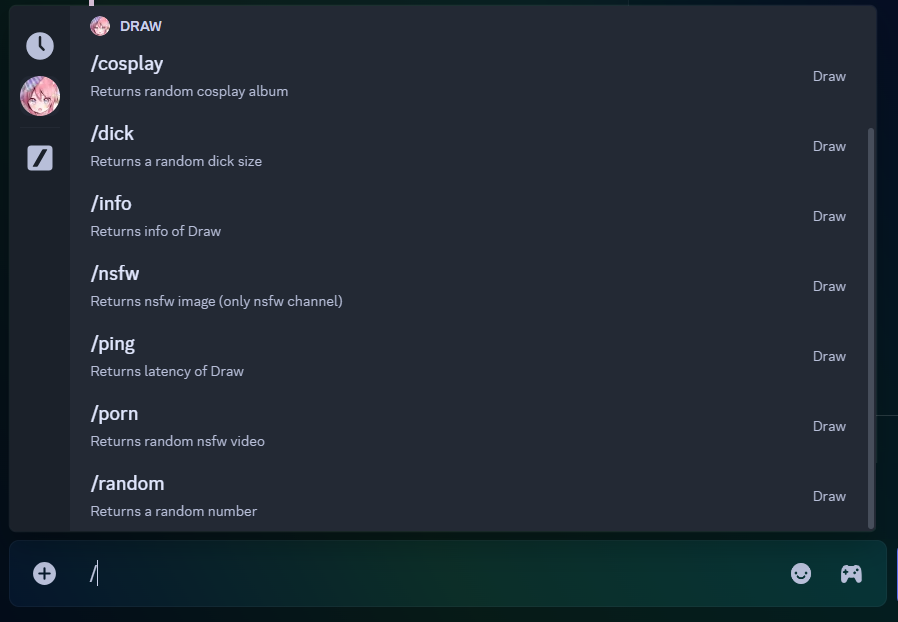
Draw's commands looks like this! 👀
How do I seek help and find relevant resources? 👀✨
You can easily get assistance by typing the /help command in the Discord chat. This command will provide you with all the relevant documents and resources about Draw that you may need! 📝✨
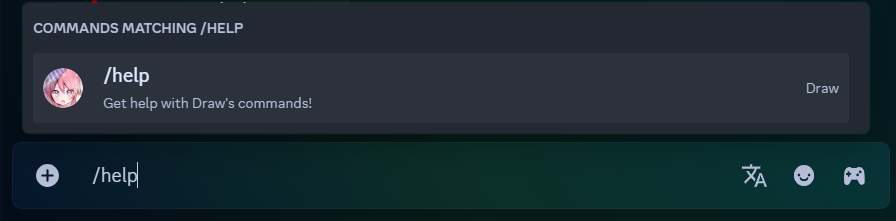
Draw's help command looks like this! 👀